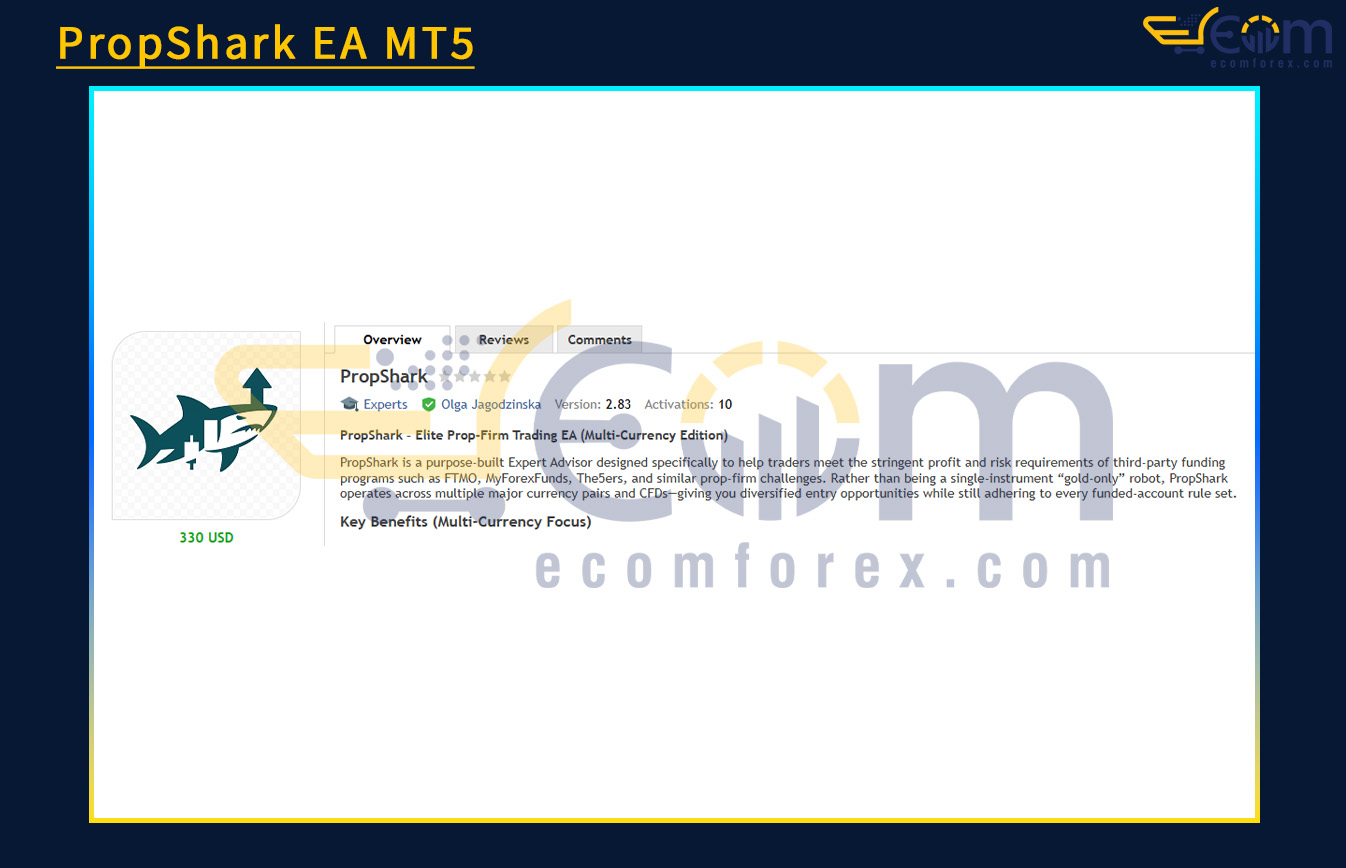
Introducing the Expert PropShark EA MT5
Name: PropShark
Version: Latest version
Developer by: Olga Jagodzinska
The Right Platform: Meta Trader 5 (MT5)
Our Telegram Team: Join now
Our Youtube Channel: Click here
What is PropShark EA MT5?
PropShark EA MT5 is a specialized Expert Advisor (EA) engineered to help traders pass funded trading challenges like FTMO, MyForexFunds, The5ers, and more. Unlike single-asset gold bots, PropShark supports multiple major currency pairs and CFDs—offering portfolio diversification while fully complying with the strict rules of prop firm accounts.
- Official Website: See here
Key Features of PropShark EA MT5
1. Multi-Asset Trading – Portfolio Diversification
-
Supports trading on FX majors: EURUSD, GBPJPY, USDJPY, and popular CFDs like XAUUSD, US30, NAS100.
-
One EA file handles all pairs—no need to run multiple EAs.
-
Each symbol runs independently using the same prop-friendly logic.
2. Optimized for Funded Accounts
-
Tailored to meet critical funding criteria: daily loss limits, max drawdowns, minimum profit targets.
-
Easily adjustable for any prop firm’s rule set.
3. Advanced Risk Control
-
Symbol-specific lot calculation based on ATR and tick value.
-
Auto-closes all trades if overall drawdown limit is breached.
-
Limits the number of concurrent trades per symbol and globally.
4. Session-Aware & News Protection
-
Set custom trading hours per symbol (e.g., JPY trades during Tokyo session).
-
Avoids trading during high-impact news based on each symbol.
-
Includes global no-trade windows for high-risk periods (e.g., 22:30–23:55).
5. Smart SL Management (Break-Even & Trailing)
-
Automatically shifts SL to break-even (with buffer) once a trade reaches defined profit.
-
Symbol-specific trailing stops—for example: 10 pips for EURUSD, 100 points for XAUUSD.
6. All-in-One On-Chart Dashboard
-
View your entire portfolio in one place: equity, drawdown, daily profit target.
-
Shows number of open trades, remaining daily loss allowance, and progress toward the prop-firm goal.
Why Choose PropShark EA MT5?
✅ 1. Holistic Diversification
No more relying on gold alone. PropShark unlocks opportunities across forex majors and indices—reducing risk and increasing reward potential.
✅ 2. Centralized Prop Logic
All account rules (drawdown limits, profit targets, SL rules) are managed across your entire portfolio, with no need for multiple EAs or manual tracking.
✅ 3. Flexible for Any Prop Firm
Whether it’s FTMO today or another firm tomorrow—PropShark adapts. Just update the settings. No code changes required.
Performance of PropShark EA MT5
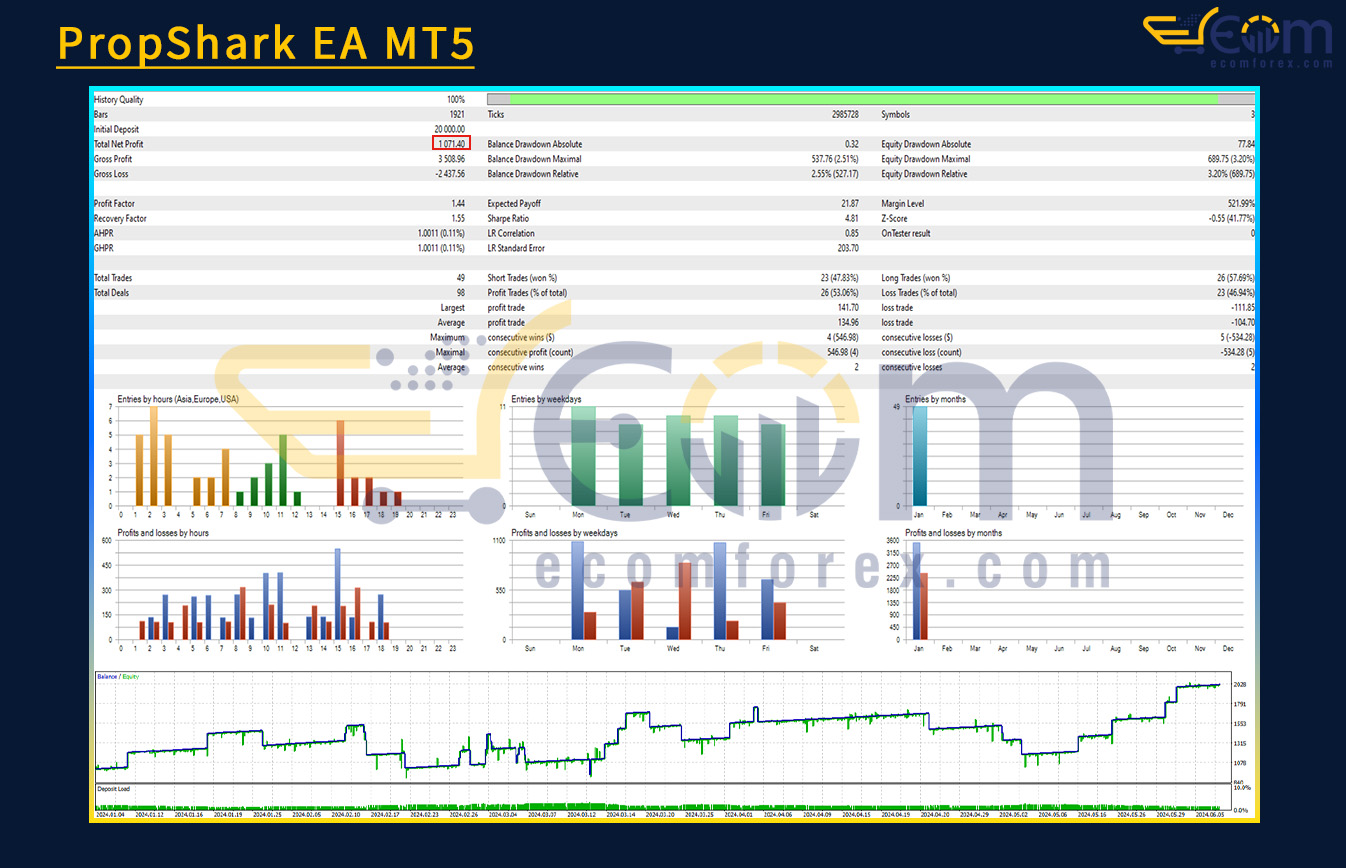
Spanning a rigorous historical test period, the PropShark EA demonstrated disciplined risk control and consistent profitability—precisely the kind of performance needed to pass prop firm challenges like FTMO or MyForexFunds.
Despite working with a large capital base, the EA maintained conservative drawdowns while steadily compounding gains across multiple sessions and symbols.
Backtest Summary:
-
Initial Deposit: $20,000
-
Total Net Profit: $3,086.96
-
Gross Profit: $5,096.56
-
Gross Loss: -$2,087.56
-
Maximum Drawdown: $537.76 (2.55%)
-
Profit Factor: 1.44
-
Win Rate (Total): 66.32%
Quick Start Guide – Multi-Currency Setup with PropShark EA
1. Attach PropShark to Any Chart
Log in to your FTMO demo or any funded MetaTrader 5 account.
Then, drag and drop PropShark.ex5 onto any M15 chart—yes, any symbol will do. The EA is designed to manage multiple instruments from a single chart instance.
💡 You don’t need to open separate charts for each pair—PropShark handles everything internally.
2. Select & Configure Your Trading Instruments
Open the Inputs tab and enable the assets you want the EA to trade by checking boxes like:
-
Trade_XAUUSD -
Trade_EURUSD -
Trade_GBPJPY
Want to add other symbols like US30 or NAS100? Just type their exact names, including suffixes if your broker uses any.
Set your global risk parameters:
-
RiskPerTradePercent(e.g.,1%) — The EA will auto-scale lot sizes for each symbol. -
Define max exposure:
-
MaxDailyLossPercent -
MaxTotalDrawdownPercent -
DailyProfitTargetPercent
-
These controls apply across the entire portfolio, not just one instrument.
3. Fine-Tune Break-Even and Trailing Settings
PropShark intelligently adapts trailing logic based on each instrument's characteristics. For example:
| Setting | FX Pairs | XAUUSD (Gold) |
|---|---|---|
BreakEvenTrigger |
20 pips | 200 points |
TrailingStart |
30 pips | 300 points |
TrailingDistance |
10 pips | 100 points |
✅ These values are interpreted per-symbol automatically, using ATR-based translations.
4. Activate Algo Trading & Monitor Live Stats
Make sure AlgoTrading is enabled in MT5.
Once running, PropShark’s real-time dashboard gives you:
-
Live Equity & Total P/L
-
Active Trades Across All Markets
-
Daily Drawdown/Profit Progress
One chart. Multiple assets. Full visibility.
Recommended Configuration for PropShark EA MT5
What do you get After Downloading?
- Setting (If Any).docx
- Installation Guide.docx
🤗WISH YOU SUCCESSFUL TRADING🤗