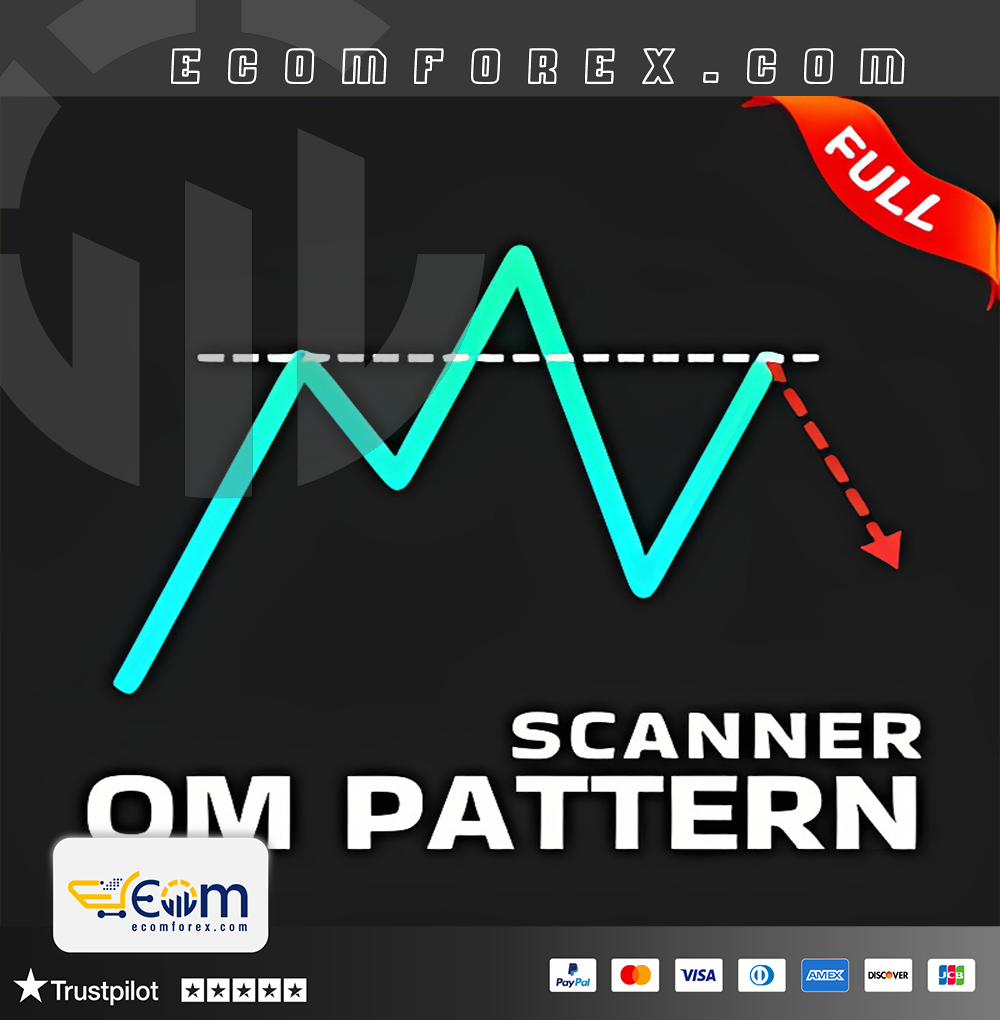
Introducing the Expert Quasimodo Pattern QM MT4
Name: Quasimodo Pattern QM
Version: v3.2 New Version
Developer by: Mihails Babuskins
The Right Platform: Meta Trader 4 (MT4) Indicator
Our Telegram Team: Join now
Our Youtube Channel: Click here
What is Quasimodo Pattern QM MT4?
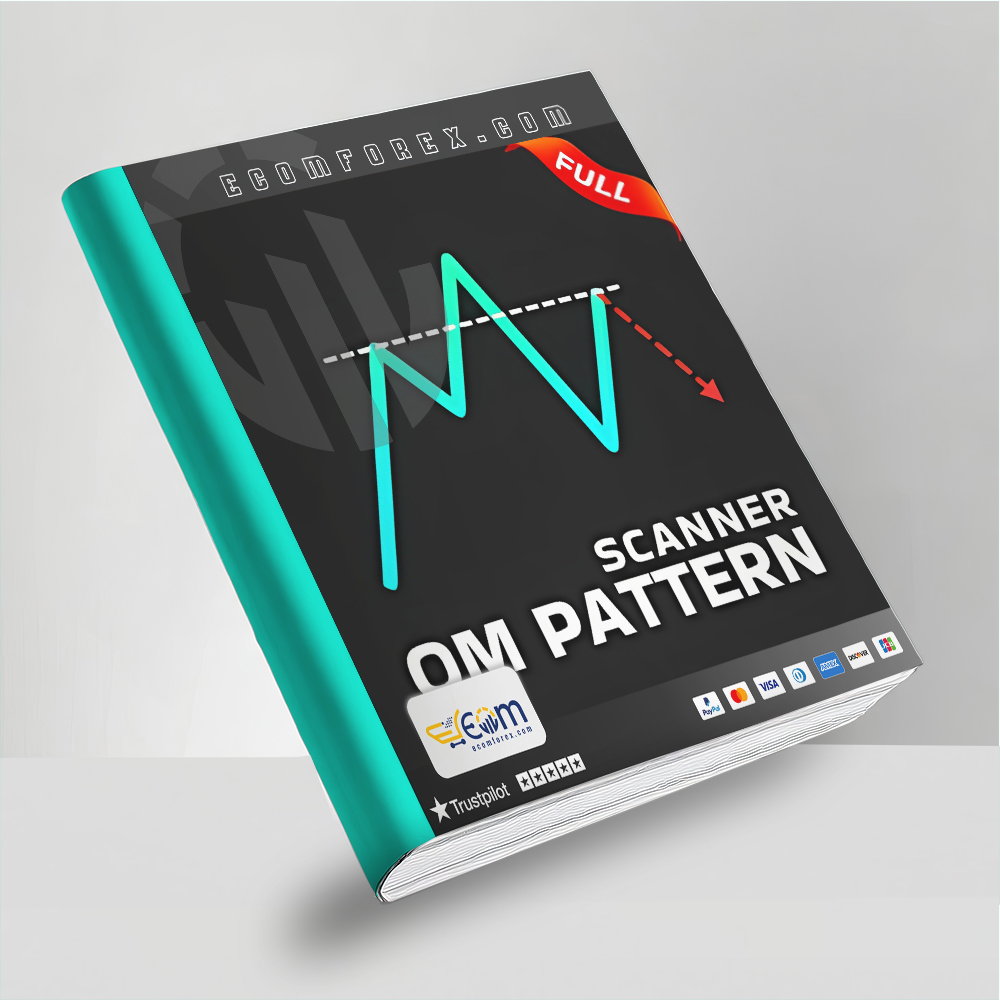
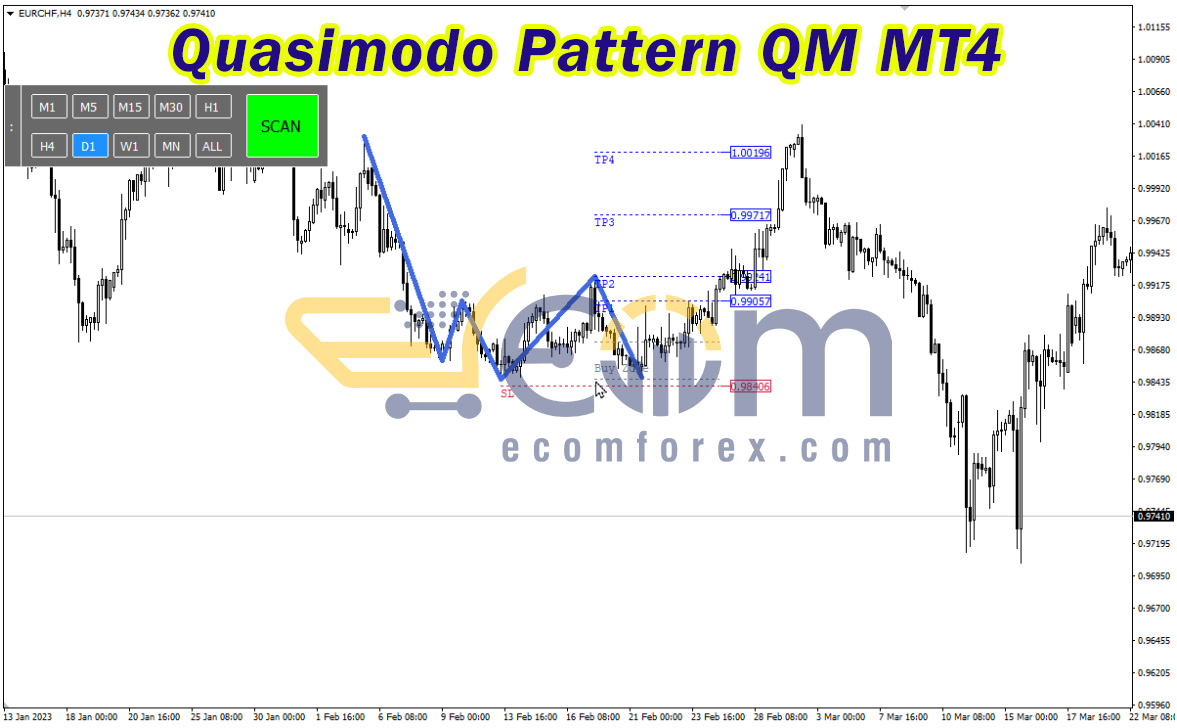
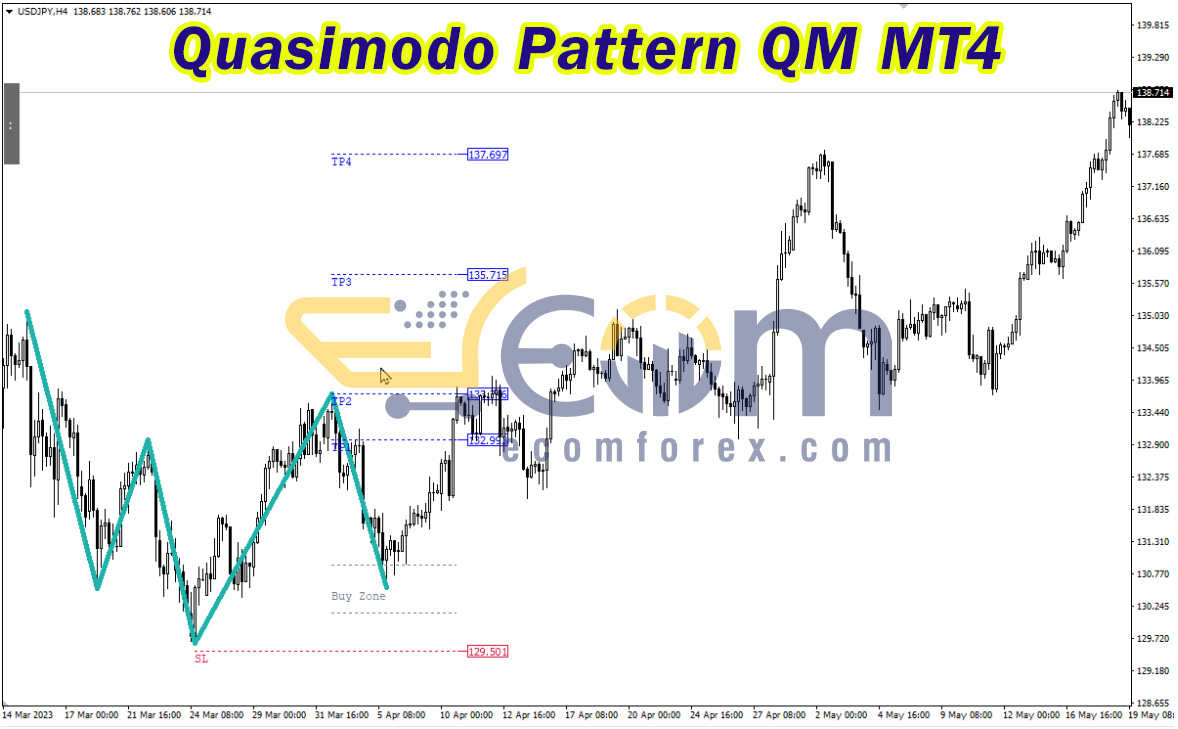
Quasimodo Pattern QM MT4 is a powerful indicator designed to automatically detect rare and highly effective price reversal patterns commonly used in advanced price action trading. This unique pattern, known as Quasimodo, is distinguished by its formation of three peaks and two troughs, where the central peak is the highest, and the two outer peaks are of equal height.
Typically emerging at the end of an uptrend, the Quasimodo pattern signals a potential market reversal. Its greatest strength lies in its high winning rate, making it a valuable tool for traders seeking accurate entry points in changing market conditions.
- Official Website: See here
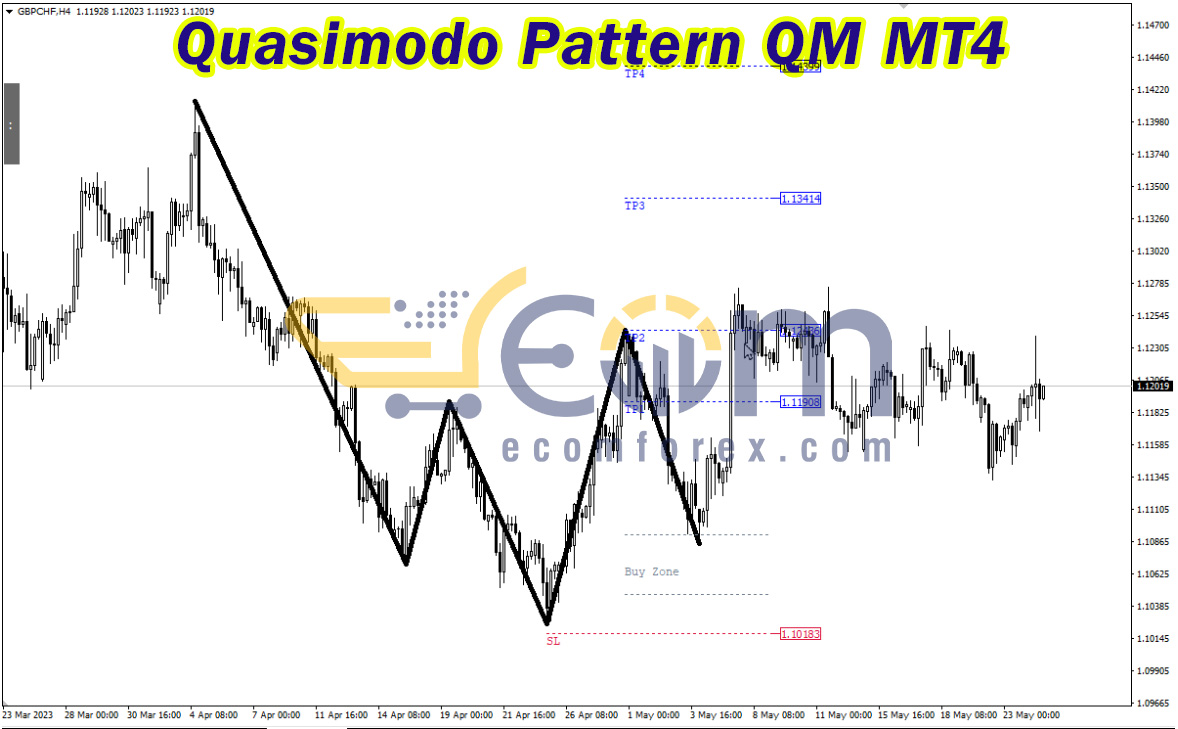
Main Features of Quasimodo Pattern QM MT4
1. Core Features:
- Automated Quasimodo Pattern Detection: Accurately identifies and visually highlights Quasimodo reversal patterns on the price chart, making it easy to spot potential market turning points.
- Real-Time Trading Signals: Generates Buy/Sell signals as soon as a Quasimodo pattern forms, helping traders capitalize on emerging opportunities.
- High Winning Probability: Leverages the unique structure of the Quasimodo pattern to ensure a high success rate, making it a reliable tool for price action traders.
- Strategy Recommendations: Offers entry points, Stop-Loss (SL), and Take-Profit (TP) suggestions, allowing for more structured and risk-managed trading decisions.
2. Advanced Features:
- Automatic Pattern Scanning: Continuously monitors the market to automatically detect new Quasimodo patterns, reducing the need for manual analysis.
- Instant Signal Alerts: Sends real-time notifications when a new Quasimodo pattern is identified, ensuring traders never miss a trading opportunity.
- VPS Compatibility for Continuous Scanning: Seamlessly integrates with VPS, allowing the indicator to run non-stop and enhance pattern detection efficiency.
- Supply and Demand Zone Integration: Combines Quasimodo signals with supply and demand zones, improving accuracy in identifying optimal entry points.
Quasimodo Pattern QM MT4 is an indispensable tool for advanced price action trading, offering precise pattern detection and high-probability trading signals. Its automated features and strategic insights make it a valuable asset for traders aiming to spot reversal patterns efficiently and accurately.
Performance of Quasimodo Pattern QM MT4
The Quasimodo Pattern QM is a distinctive reversal trading pattern that typically forms at the end of an uptrend. Characterized by its unique price structure, this pattern features three peaks and two troughs arranged in a specific formation:
-
The central peak stands as the highest point, while the two outer peaks are of equal height.
-
This structure indicates a potential market reversal, signaling a shift from bullish to bearish sentiment.
The Quasimodo Pattern is highly valued in advanced price action trading due to its reliability and high winning potential, making it an essential tool for traders looking to capitalize on trend changes.
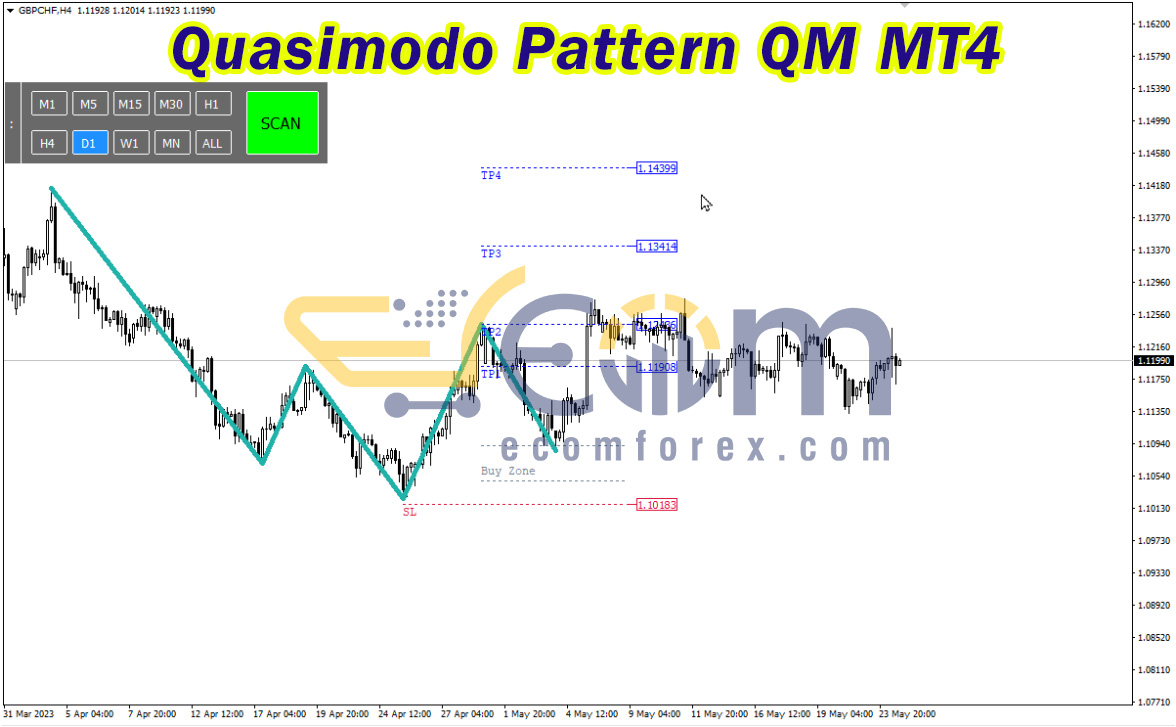
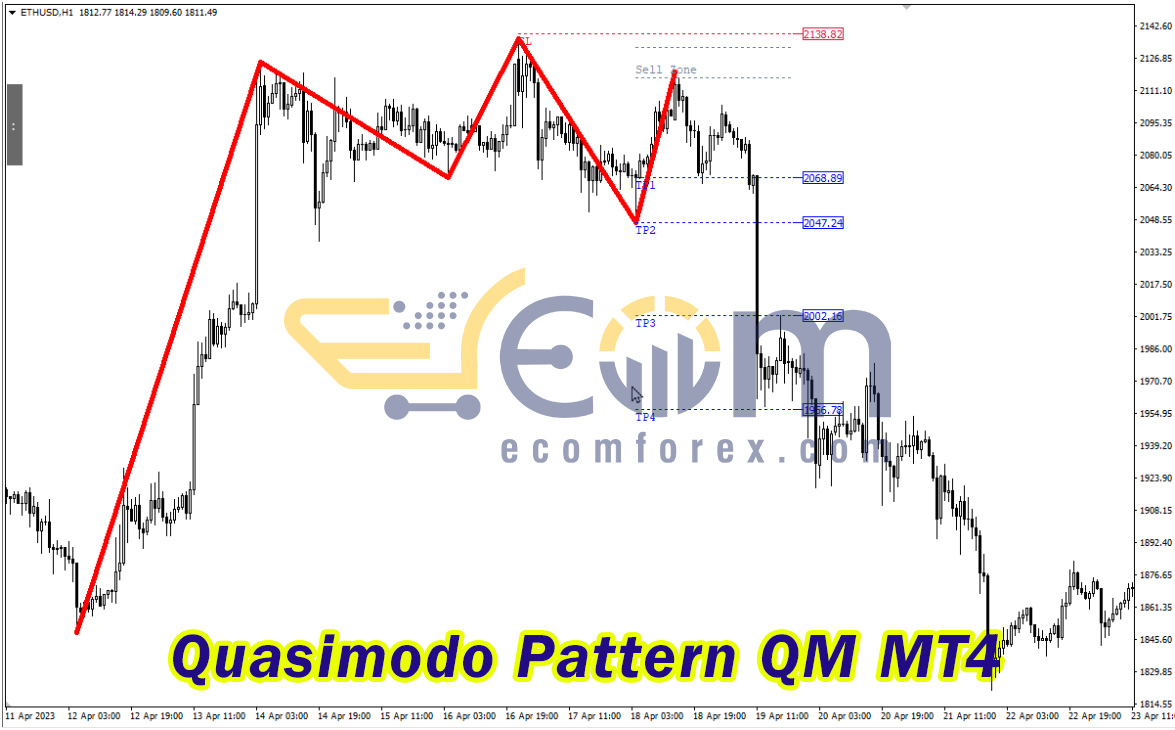
Quasimodo Pattern QM MT4: Customizable Settings and Features
1. Inputs Section:
-
Scan Patterns: QM Pattern – Configures the indicator to scan specifically for Quasimodo (QM) patterns.
-
Auto Scan: ON – Enables the automatic detection of patterns without manual intervention.
-
Auto Scan Period: H1 – Sets the scanning timeframe to Hourly (H1), allowing for efficient detection on the hourly chart.
-
Max Symbols: 100 – Scans up to 100 different symbols or assets for the presence of Quasimodo patterns.
-
Alerts: ON – Activates notifications when a Quasimodo pattern is detected, ensuring timely awareness.
-
Push Notification: ON – Sends push alerts to connected devices for immediate updates.
-
Send Email: OFF – Disables email notifications.
-
Email Subject Text: "QM Pattern Signal Detected" – Custom subject line for email alerts (if enabled).
2. Colors Section (Visual Representation):
-
Bullish Pattern Lines Color: RoyalBlue – Uses a vivid blue to highlight bullish QM patterns on the chart.
-
Bearish Pattern Lines Color: Magenta – Displays bearish QM patterns in a distinct magenta color.
-
Pattern Lines Width: 3 – Sets the line thickness to ensure clear visibility.
-
Pattern Lines Style: Dash – Uses dashed lines for a structured and professional appearance.
3. Panel UI Settings:
-
Panel Background Color: DimGray – A neutral, dark background for the control panel, reducing glare.
-
Panel Border Color: White – Creates a clean, contrasting border for better visibility.
-
Font Color: White – Ensures that text stands out against the darker background.
-
Font Size: 10 – Provides a balanced and readable text size.
-
Selected Time-Frame Color: DodgerBlue – Highlights the currently chosen timeframe, enhancing clarity.
-
Scan Button Color: Lime – Uses a bright green to signify the active scan function.
-
Scan Button Font Color: Black – Maintains readability on the Lime button background.
4. Order Guides Settings:
-
Trade Zone Lines Color: DarkGray – Marks the trade zones with a subtle yet distinguishable color.
-
Stop Loss (SL) Lines Color: Magenta – Clearly indicates the SL level for quick reference.
-
Take Profit (TP) Lines Color: DodgerBlue – Distinguishes the TP level, ensuring easy identification.
Summary:
Quasimodo Pattern QM MT4 offers extensive customization and intuitive visual settings, allowing traders to tailor the indicator’s appearance and functionality to their specific preferences. With its automated scanning capabilities, real-time alerts, and detailed order guide settings, this tool is designed for efficient and precise pattern detection, making it invaluable for traders utilizing advanced price action strategies.

Recommended Configuration for Quasimodo Pattern QM MT4
What do you get After Downloading?
- Indicators:
- Quasimodo Pattern QM MT4 v3.2.ex4
🤗WISH YOU SUCCESSFUL TRADING🤗