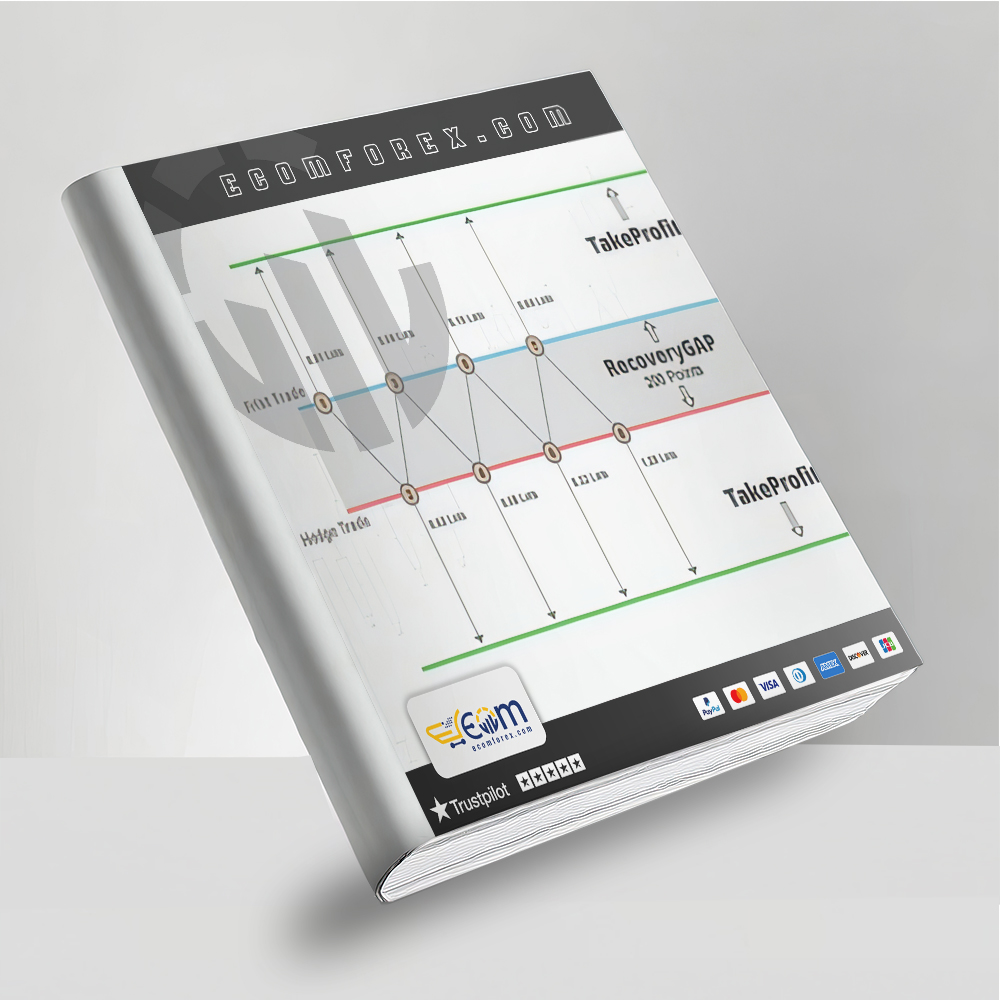
Introducing the Expert Recovery Zone EA3 MT4
Name: Recovery Zone EA3
Version: Latest Version
Developer by: Samir Arman
The Right Platform: Meta Trader 4 (MT4)
Our Telegram Team: Join now
Our Youtube Channel: Click here
- Delivery time 24h-48h after payment.
What is Recovery Zone EA3 MT4?
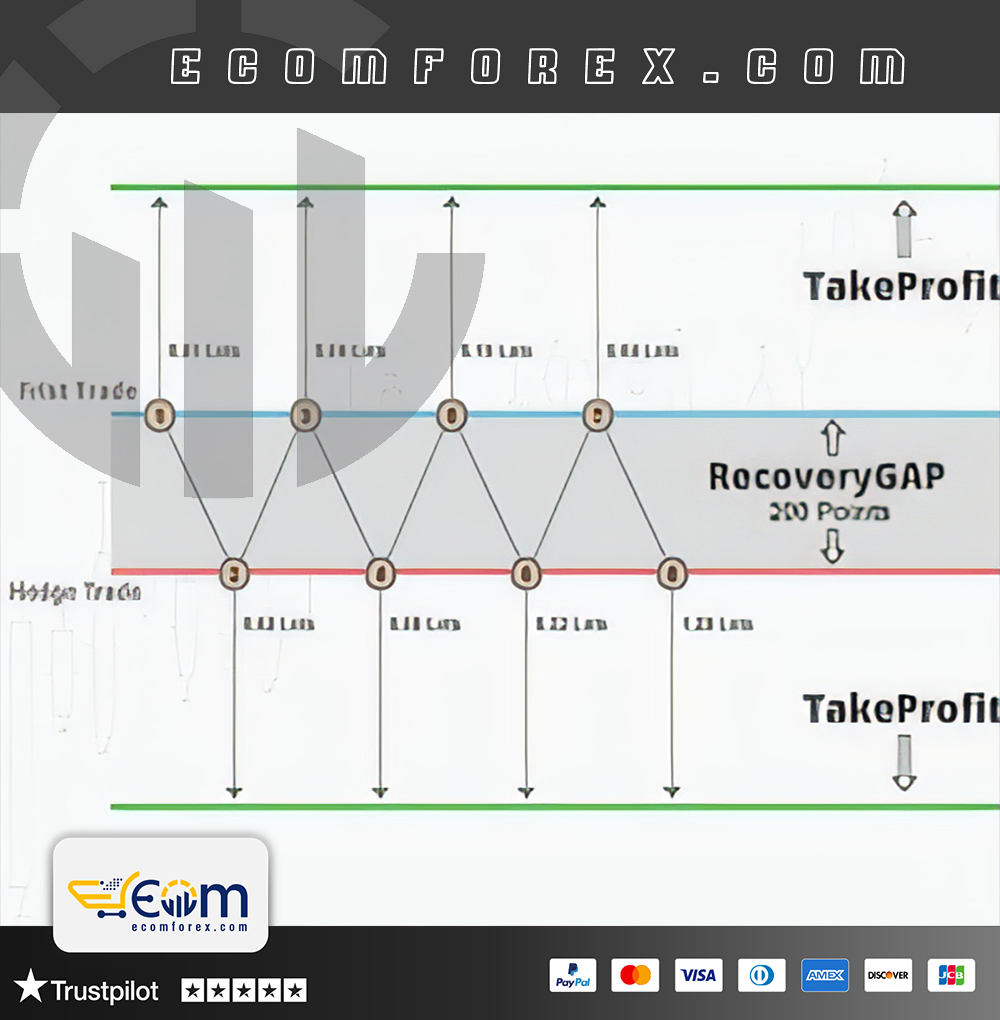
With 20 years of hands-on forex trading experience across volatile pairs and hedging strategies, I rate Recovery Zone EA3 MT4 as a classic zone recovery hedging Expert Advisor (EA). It opens an initial BUY or SELL trade (often counter-trend or breakout-based), then activates a hedging/recovery zone by placing pending orders (typically opposite direction) at controlled distances. The system builds a basket of trades within a defined "zone," using multi-level lot sizing (LO1 to LO20) to average positions and recover drawdown. All trades close together at a profit target calculated via arithmetic mean (breakeven + profit) — a proven hedging method that turns losing scenarios into winners when price reverses within the zone.
- Official Website: See here
Core Features – Advanced Controls
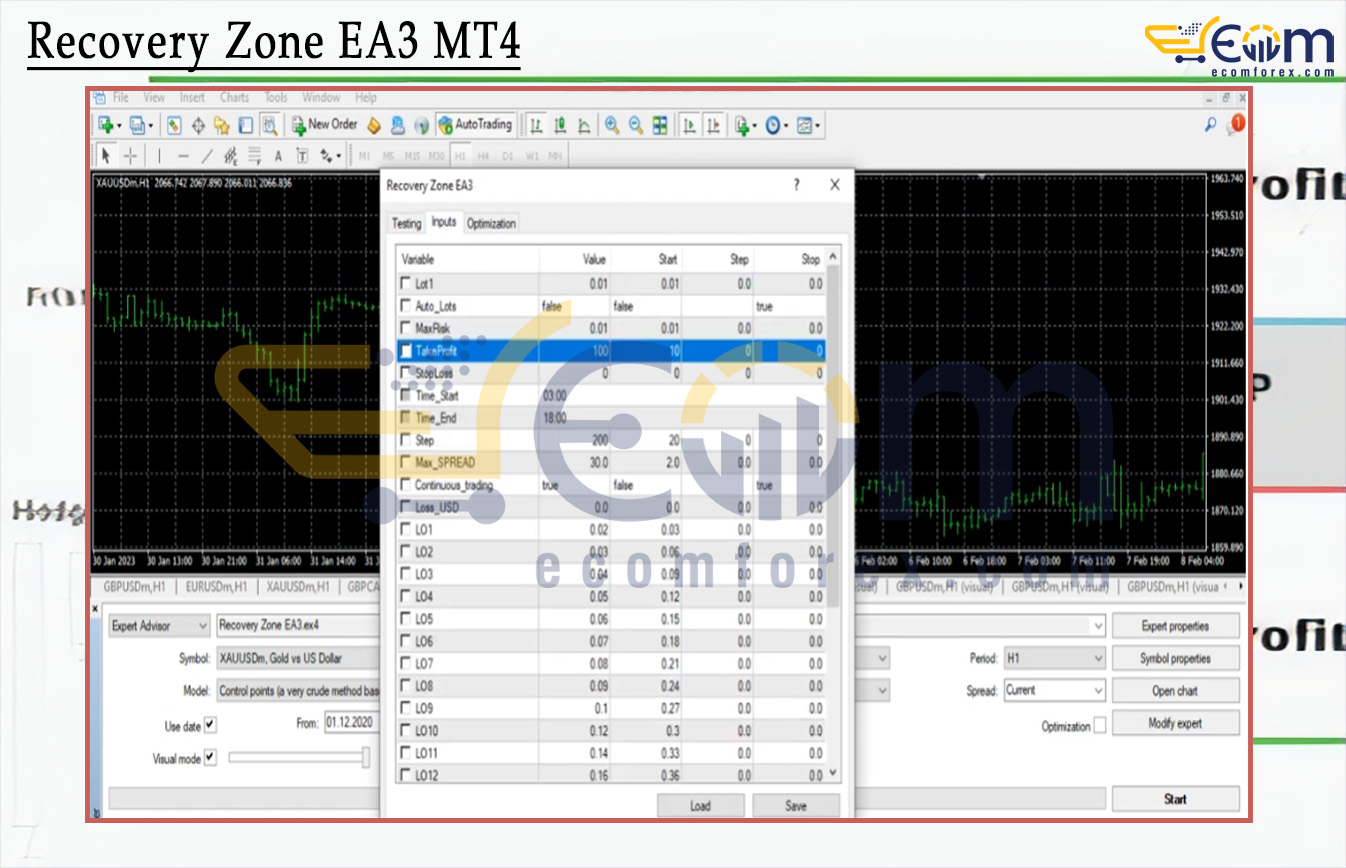
- Zone Recovery Logic → Opens initial trade + pending hedge at Step distance; expands with up to 20 levels (LO1–LO20) for customizable lot progression.
- Multi-Level Lot Control (LOT1 to LOT20) → Precise sizing per recovery step — manual or scaled.
- Auto_Lot + Max_Risk % → Dynamic equity-based sizing or fixed manual lot (start 0.01).
- Max Spread 0.3 strict filter → Avoids poor fills on wide-spread pairs/news events.
- Take_Profit in points → Basket-wide closure at mean breakeven + profit (adjust for 4/5-digit brokers).
- Step parameter → Sets exact distance between recovery levels/pending triggers.
- Time Filter (Time_Start – Time_End) → Limits to optimal sessions.
- Continuous_trading = true/false → Nonstop mode or auto-remove EA from chart after basket profit hit.
- Open_Max_Risk / Open_Min_Risk toggles → Switches between high-risk/high-reward or low-risk/low-reward profiles.
- Magic Number → Safe multi-pair/multi-instance running.
- Recommended Pairs → Low-spread majors: EURUSD, GBPUSD, USDJPY, USDCHF, AUDUSD, EURJPY, USDCAD (spread <8 pips ideal).
- Timeframe: H1 — balances momentum capture with reduced noise.
- Minimum Setup: $5000+ deposit (conservative for hedging), 1:400+ leverage.
Core Trading Strategy – How It Recovers & Profits
- EA opens first BUY or SELL (based on internal logic or manual bias).
- If price moves against → places opposite pending at Step distance → triggers hedge/recovery.
- Builds basket: adds positions at each level (up to 20) with predefined LOT1–LOT20 sizes.
- Monitors average price of basket → closes all trades together when price reaches the arithmetic mean breakeven + Take_Profit points.
- Focus on low-spread pairs on H1 → exploits reversals after overextensions, turning temporary drawdown into net profit.
- No endless martingale — limited to 20 levels + risk toggles for controlled exposure.
This is the classic Zone Recovery Hedging system (popular since early 2010s) — profitable in ranging/reversing markets but requires discipline to avoid deep drawdowns in strong trends.
Why Traders Should Choose Recovery Zone EA3 MT4?
- Proven hedging recovery → Recovers losses without aggressive lot multiplication if levels are set conservatively — safer than unlimited grids.
- High customization (20 lot levels, risk modes, step, TP) → Adapt to your risk tolerance: conservative averaging or more aggressive zone expansion.
- Basket mean closure → Locks profit at average price + target — mathematically sound for hedging.
- Low-spread focus → Works best on majors → minimizes costs and slippage.
- Hands-free automation → Continuous or auto-shutdown → ideal for set-and-forget on larger accounts.
- Capital protection options → Spread filter + risk toggles + limited levels prevent blowouts better than naive hedging bots.
Performance of Recovery Zone EA3 MT4
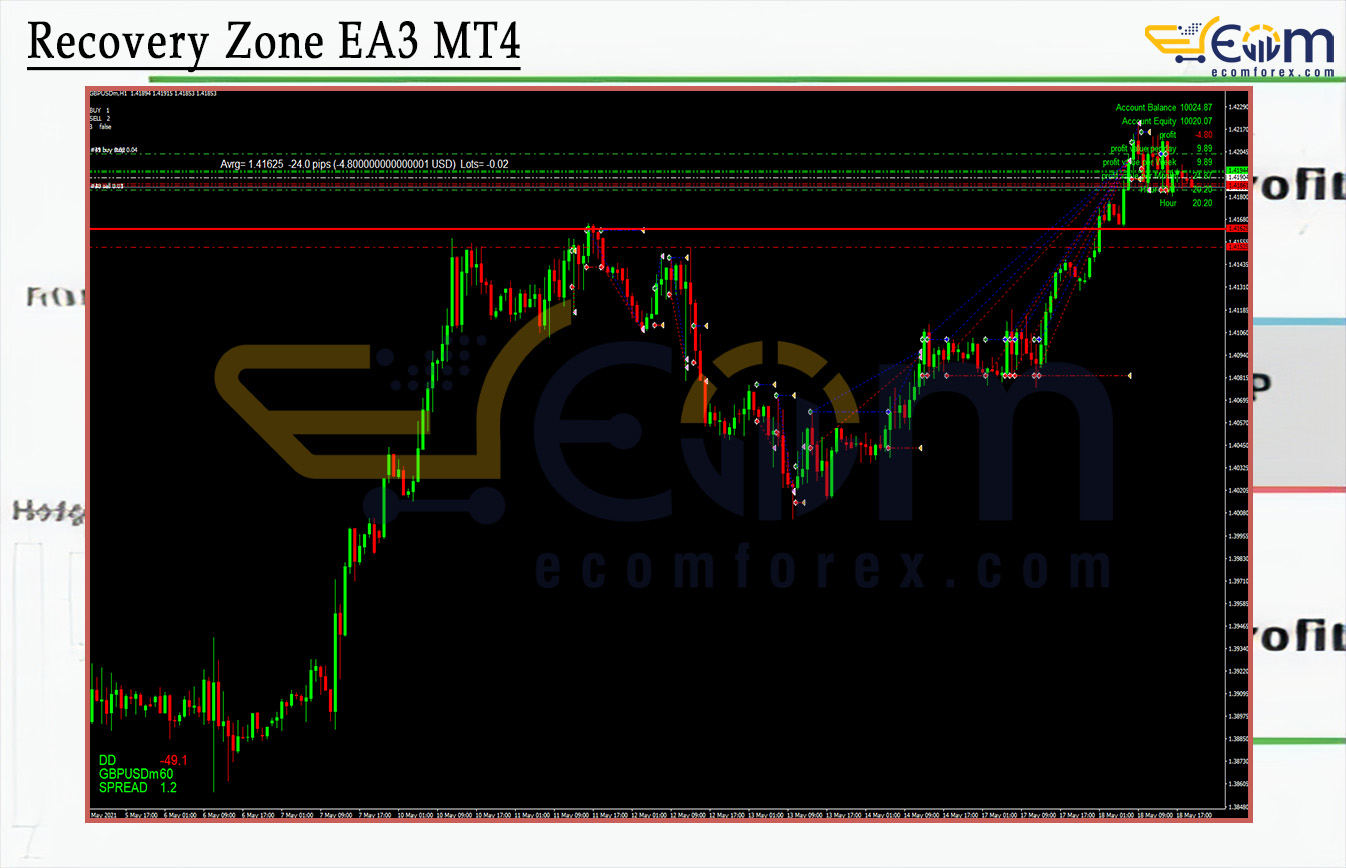
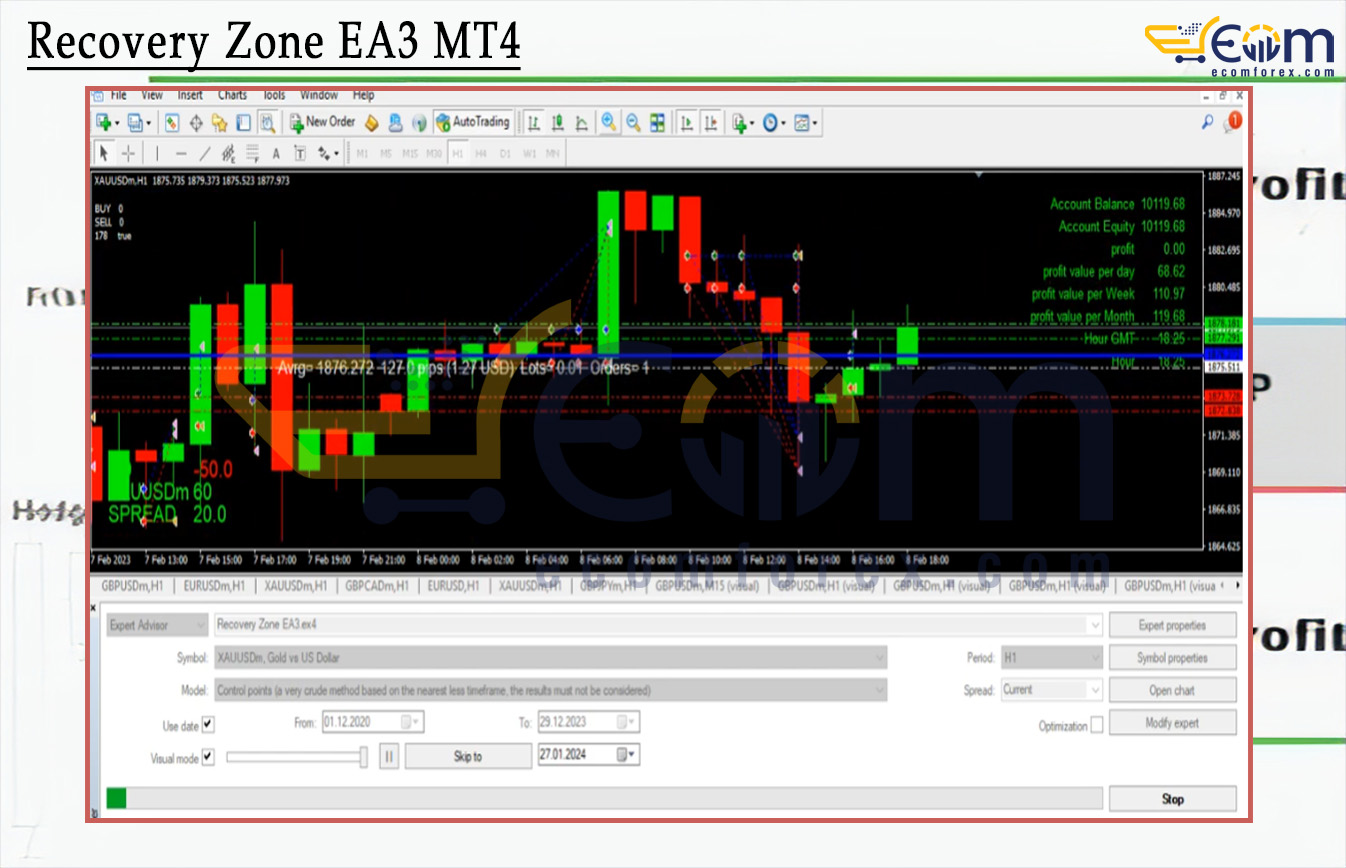
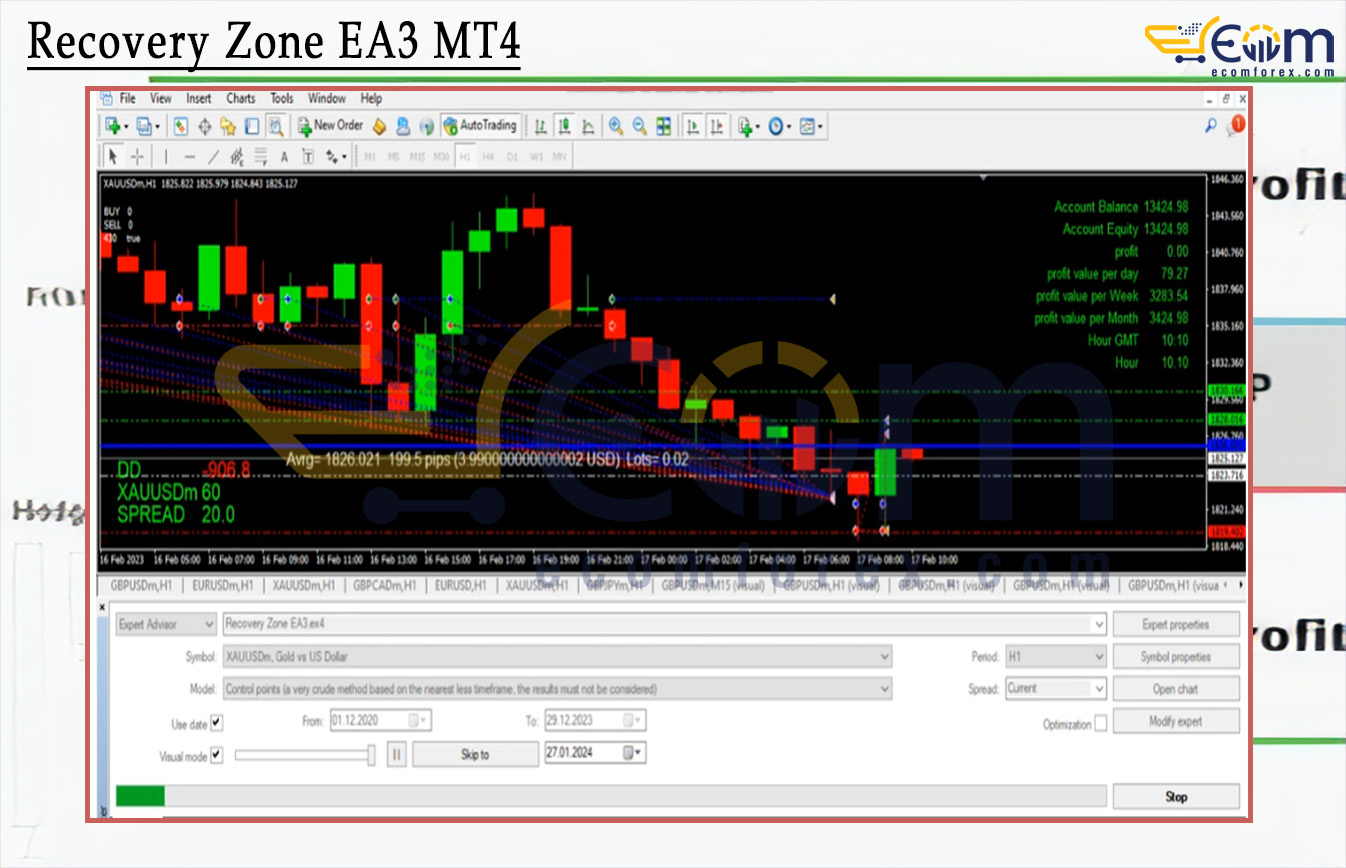
Recommended Configuration for Recovery Zone EA3 MT4
What do you get After Downloading?
- Experts Advisor:
- Recovery Zone EA3_fix.ex4
🤗WISH YOU SUCCESSFUL TRADING🤗