
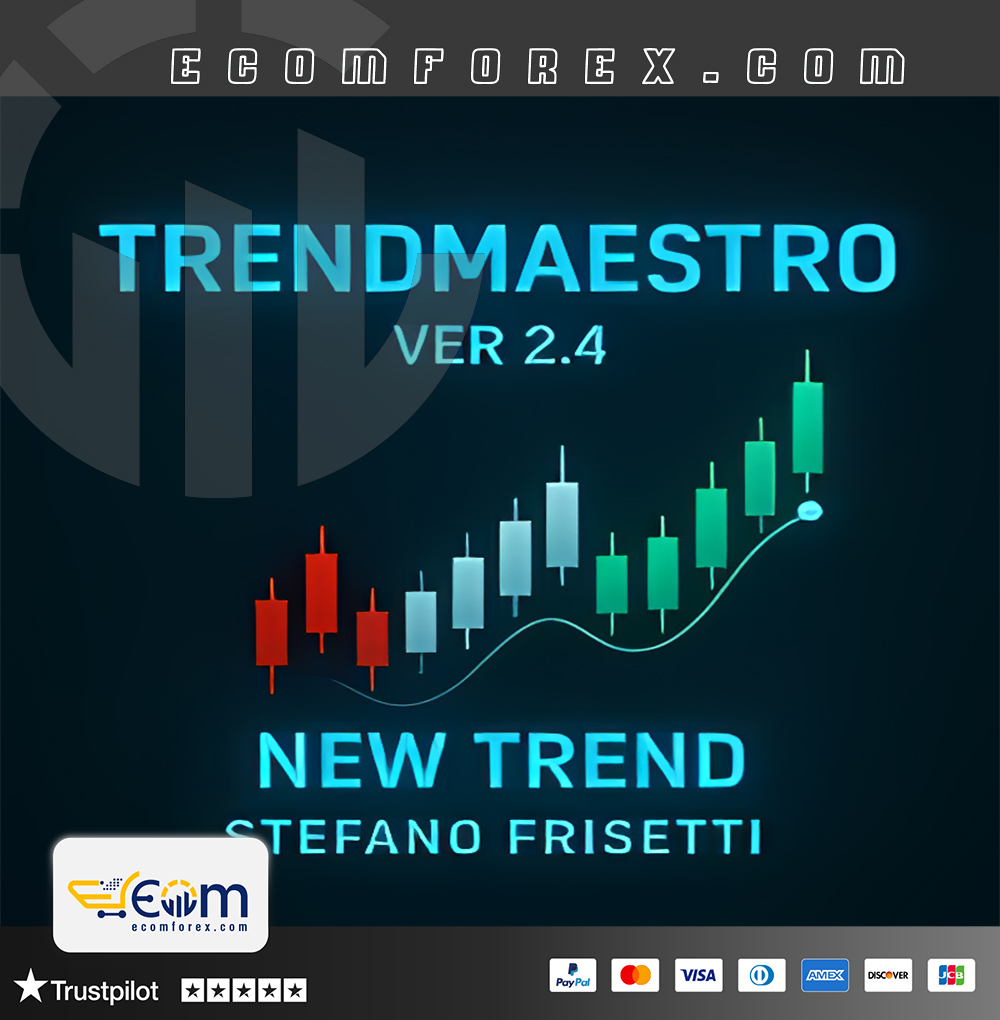

Introducing the Expert TrendMaestro Indicator MT4
Name: TrendMaestro
Version: v2.0 New Version
Developer by: Stefano Frisetti
The Right Platform: Meta Trader 4 (MT4)
Our Telegram Team: Join now
Our Youtube Channel: Click here
What is the TrendMaestro Indicator?
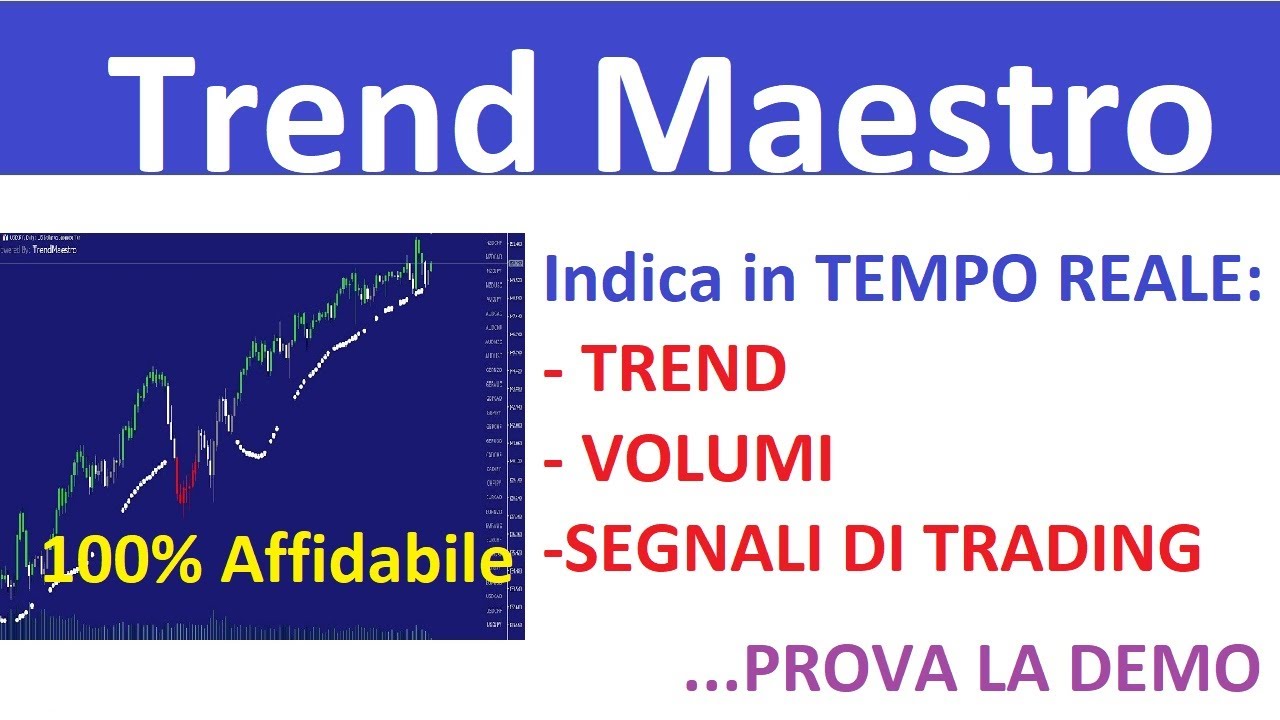
The TrendMaestro Indicator is a tool specifically formulated for the MT4 platform. This tool excels in recognizing robust market trends, assessing levels of volatility, volume, and momentum to ascertain when a new trend is emerging.
- Official Website: See here
Key Features
- Early trend detection: Spot new trends as they start to establish.
- High precision: Ensure you never overlook or misidentify a new trend.
- Thorough analysis: Analyze volatility, volume, and momentum to pinpoint price breakouts.
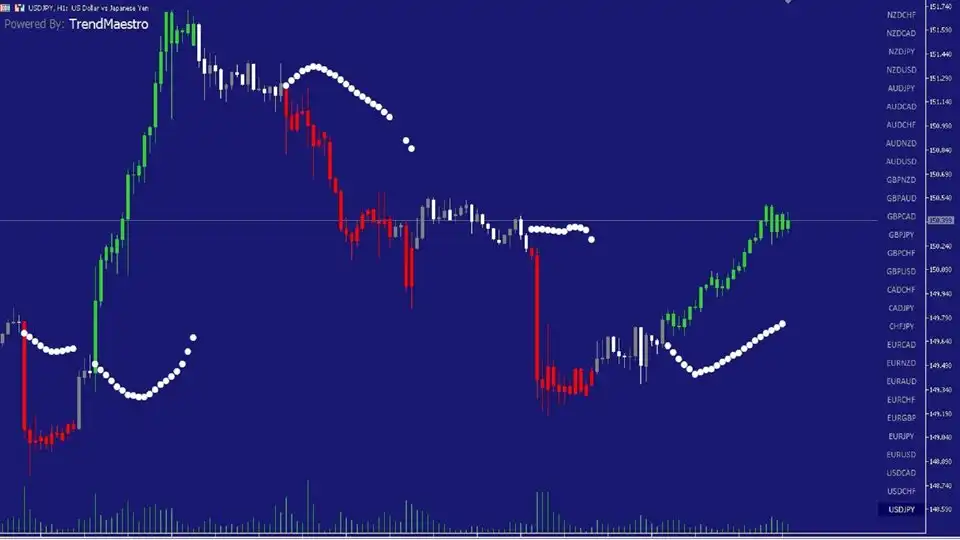
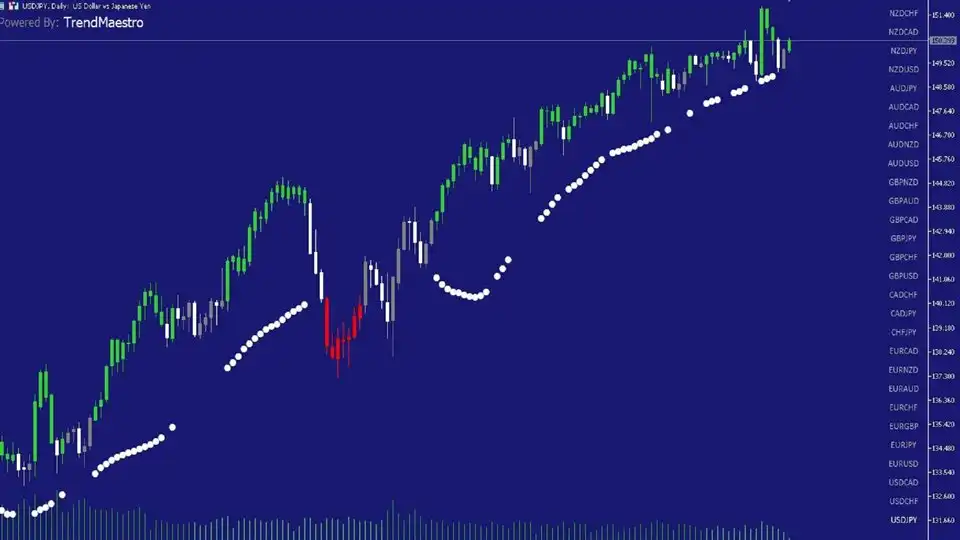
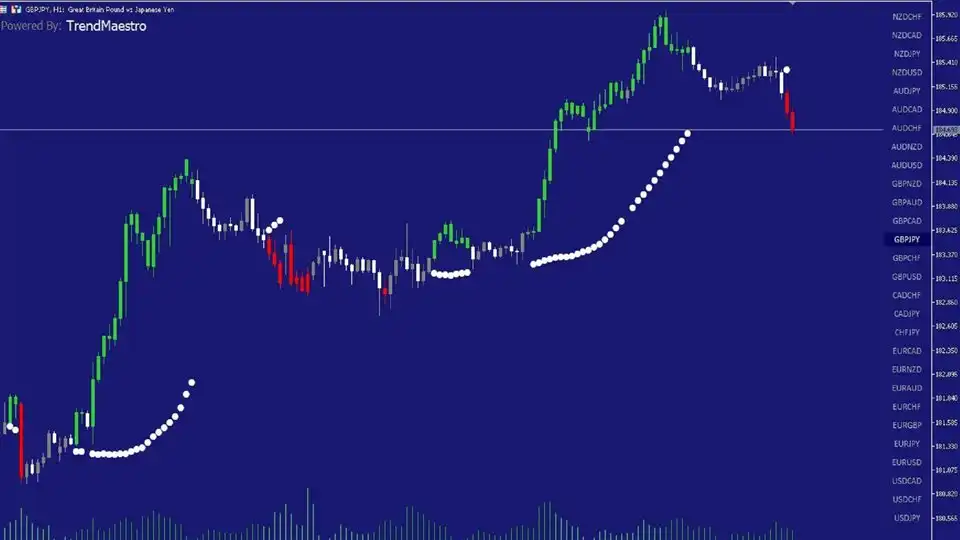
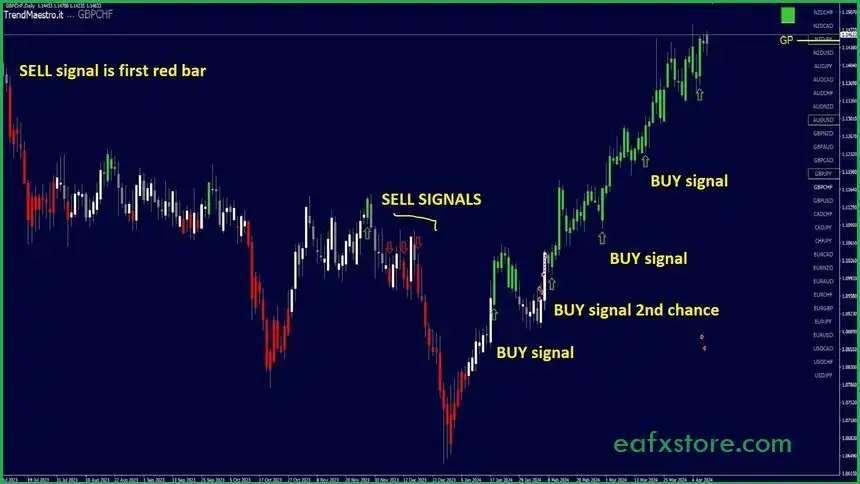
- Clear signals: Issues intuitive LONG (buy) and SHORT (sell) signals through green and red bars respectively.
- Versatile: Applicable to a variety of asset classes (forex, stocks, commodities, cryptocurrencies, bonds, etc.).
- Customization options: Users can adjust the list of trading pairs displayed.
Additional Features
- User-friendly interface: Shows 28 major forex charts in a single window for convenient analysis.
- Compatible with numerous trading strategies: Can be utilized alongside any trading or technical analysis strategy.
- Universal default settings: Default configurations are appropriate for most asset types.
- Supports efficient capital management: Offers options to establish Take Profit (TP) and Stop Loss (SL) orders.
Performance of TrendMaestro
TrendMaestro is a powerful trend-detection tool designed for lightning-fast accuracy, ensuring no opportunity slips through the cracks.
Seamlessly integrated with MetaTrader 4, it allows traders to monitor 28 currency pairs simultaneously in a single window—making it an ideal solution for advanced technical analysis, multi-pair strategy development, and smart decision-making in real time.
The Signals
- Green Bar: Consider making a purchase (going long).
- Red Bar: Consider initiating a sale (going short).
- Gray or White Bar: No signal yet, exercise patience.
How to Interpret the Signals
- Signal Emergence: The first colored bar (Green or Red) denotes a significant shift in volume or price, indicating a potential trading opportunity.
- Initiate a Trade:
- Buy (Long): Execute a buy order upon the closing of the first green bar.
- Sell (Short): Execute a sell order upon the closing of the first red bar.
- Conclude a Trade:
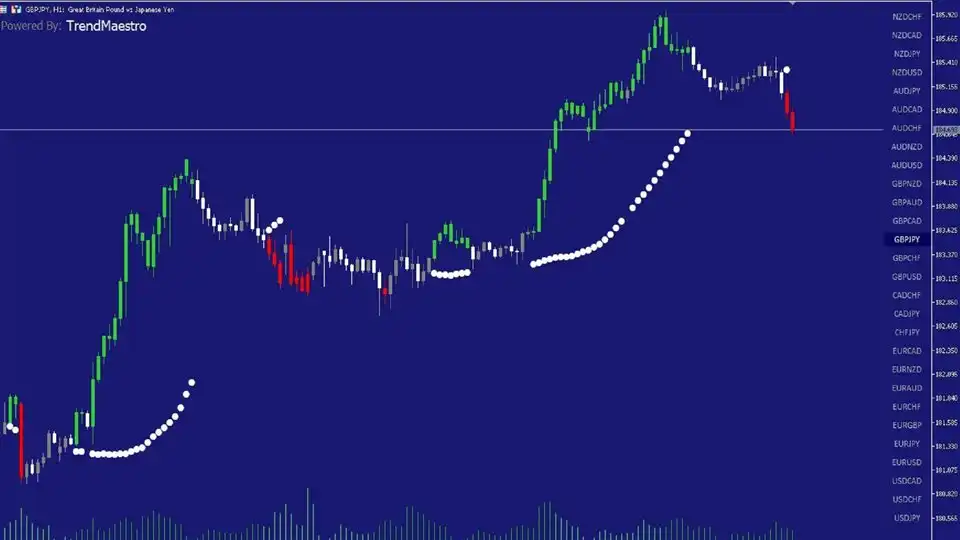
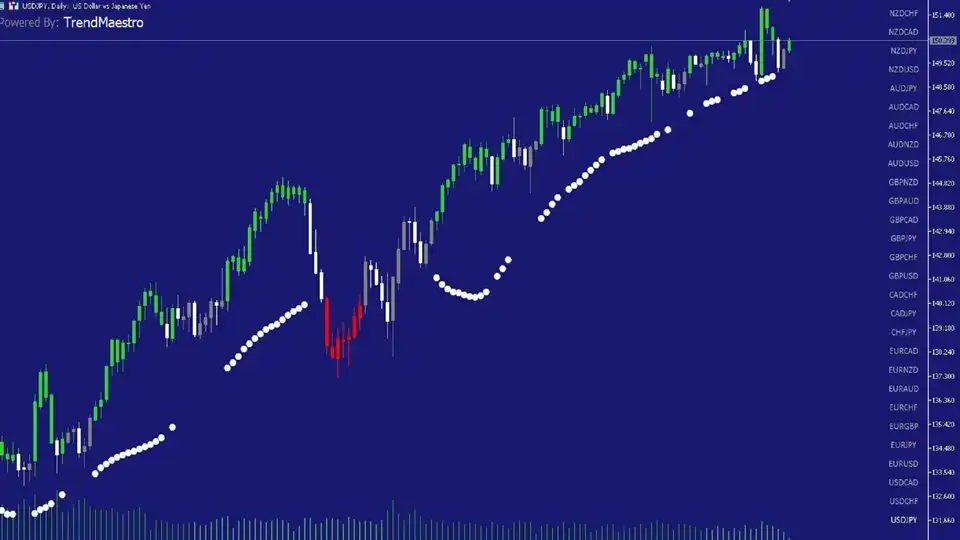
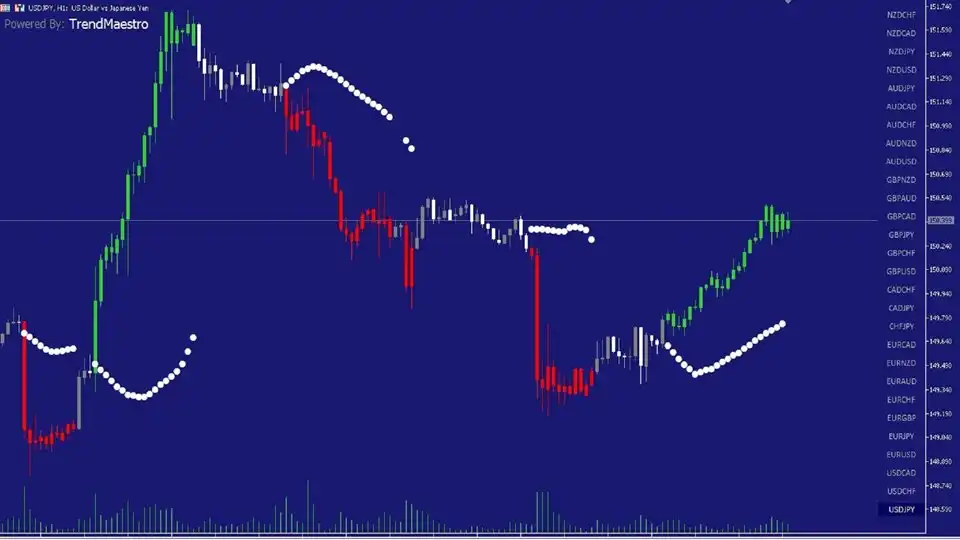
- Safely: Set a Take Profit (TP) or Stop Loss (SL) order upon the emergence of white dots.
- Quickly: Close the trade when the first white or gray bar appears following entry.
Recommended Configuration for TrendMaestro
What do you get After Downloading?
- Indicators:
- TrendMaestro v2.0_fix.ex4
🤗WISH YOU SUCCESSFUL TRADING🤗